Nano Banana Image Editor
Upload a photo, type the change in plain words, and Nano Banana Pro edits it up to 4K. Then animate the result with a video model, all in one studio.
- Edits from a single sentence
- Exact credit quote before every edit
- Failed edits are refunded
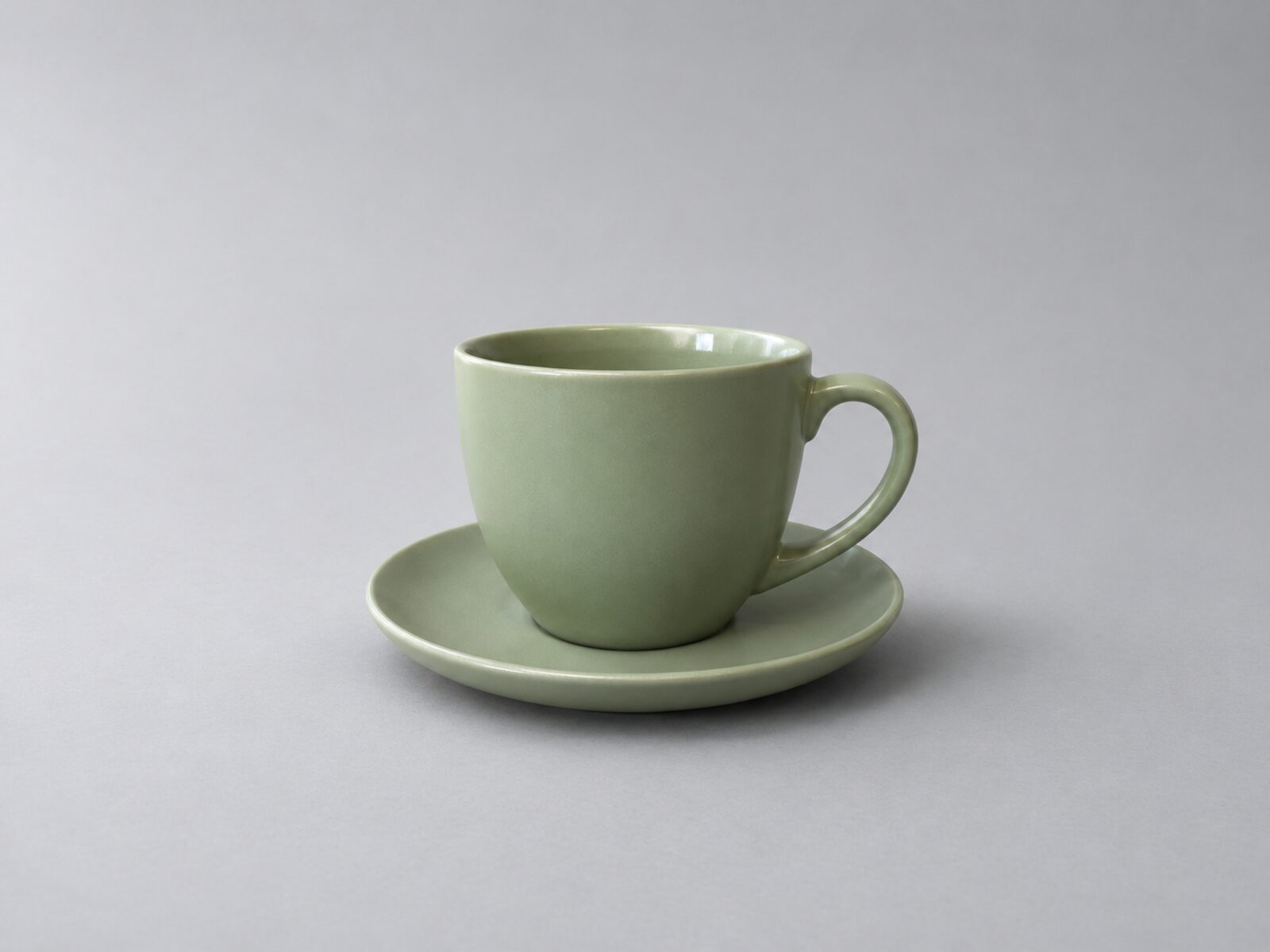
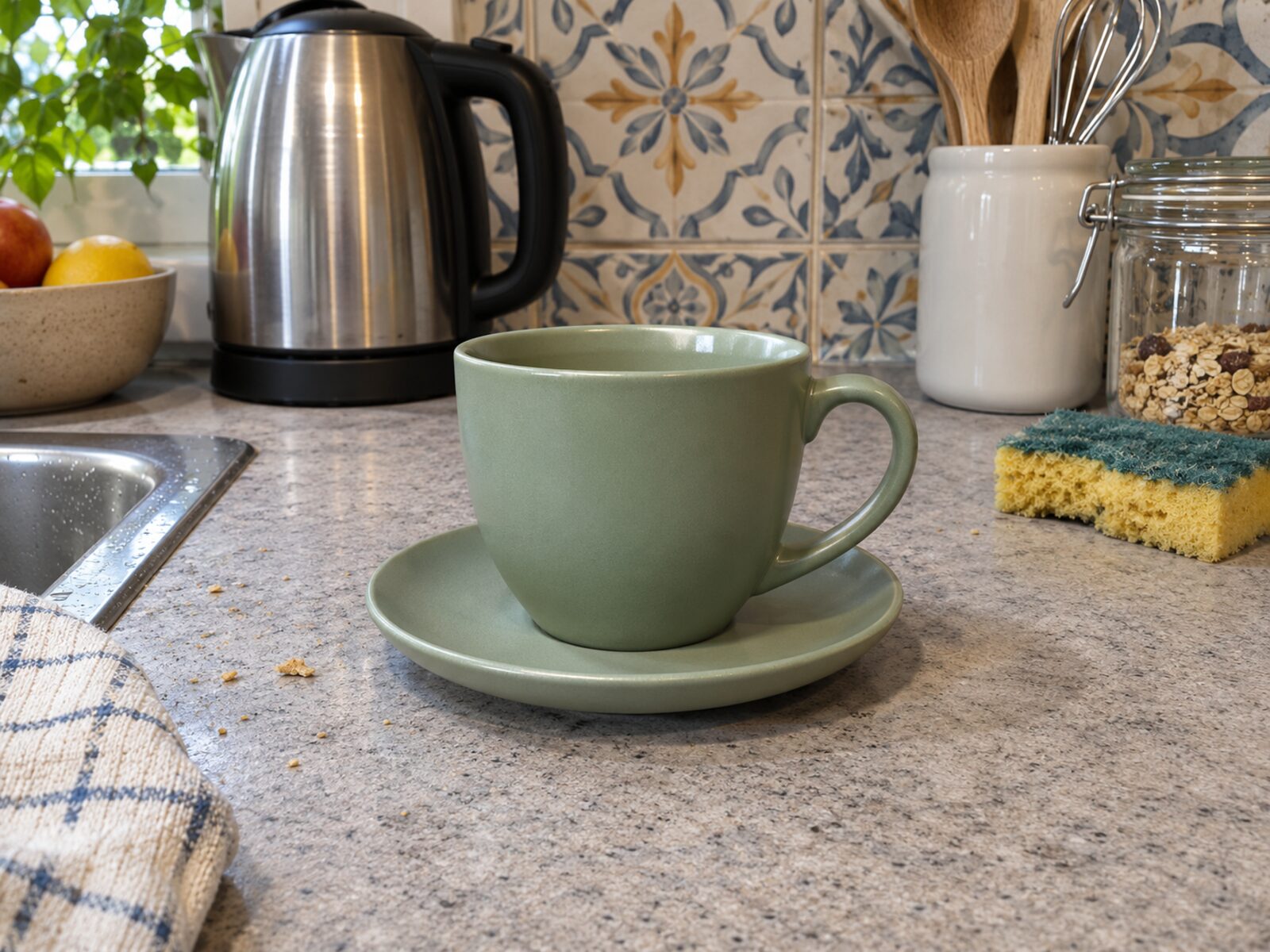


One sentence, one edit
Upload a photo and write the change the way you would ask a retoucher. A few instructions people use:

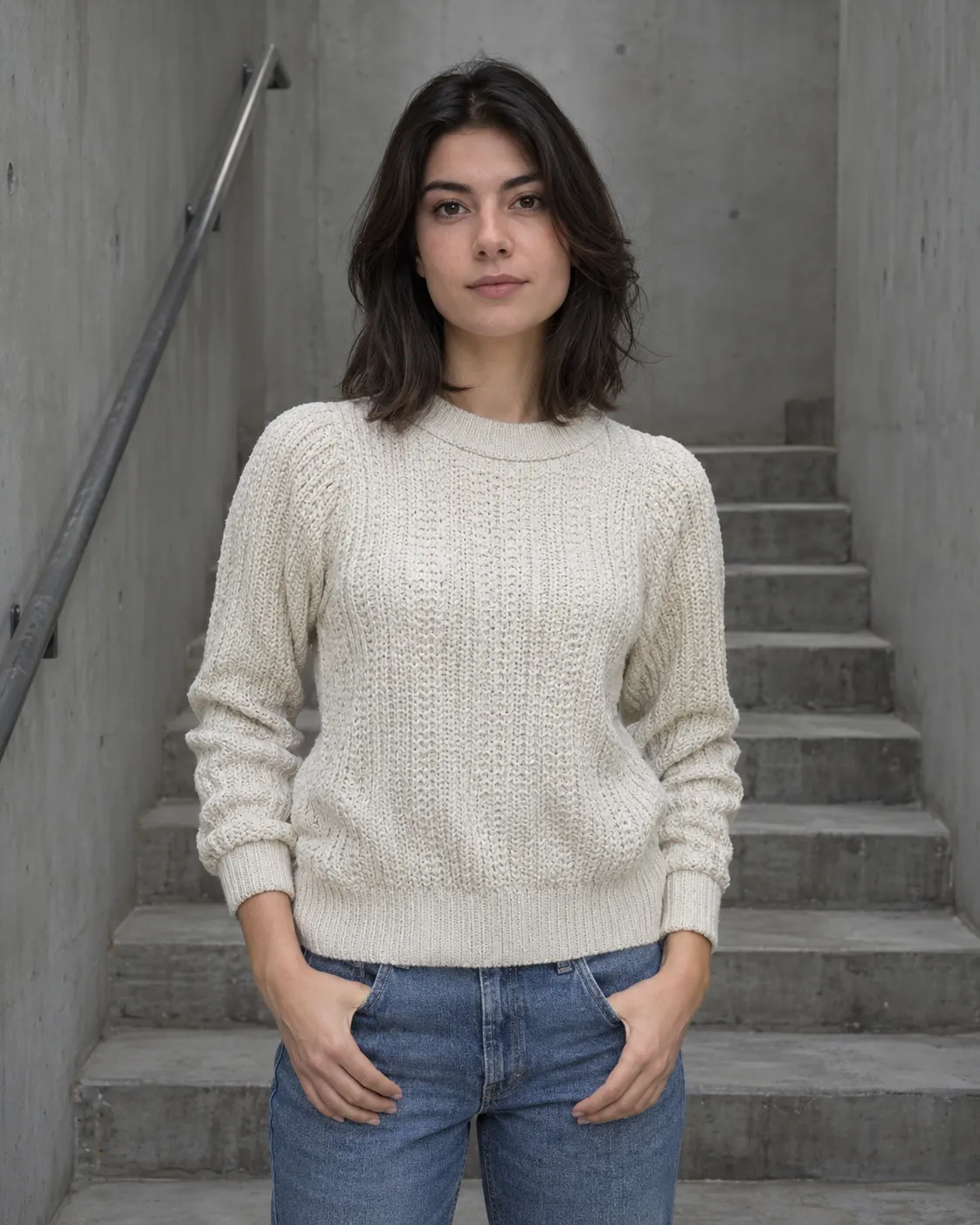
Change the background
Put her in a quiet café by the window, warm afternoon light. Keep her face, hair and outfit unchanged.
The subject stays as shot; the scene and light around them change.
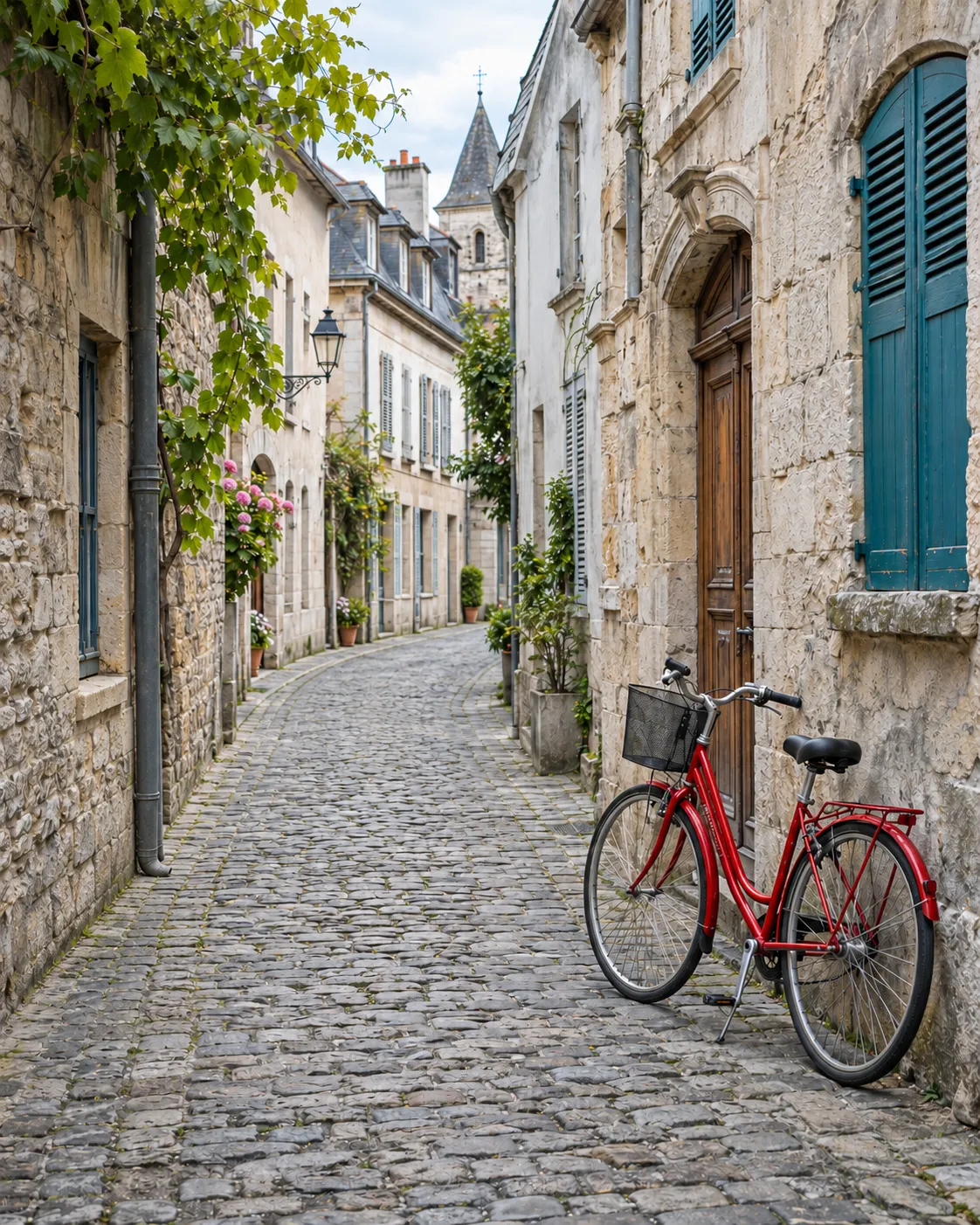
Remove an object
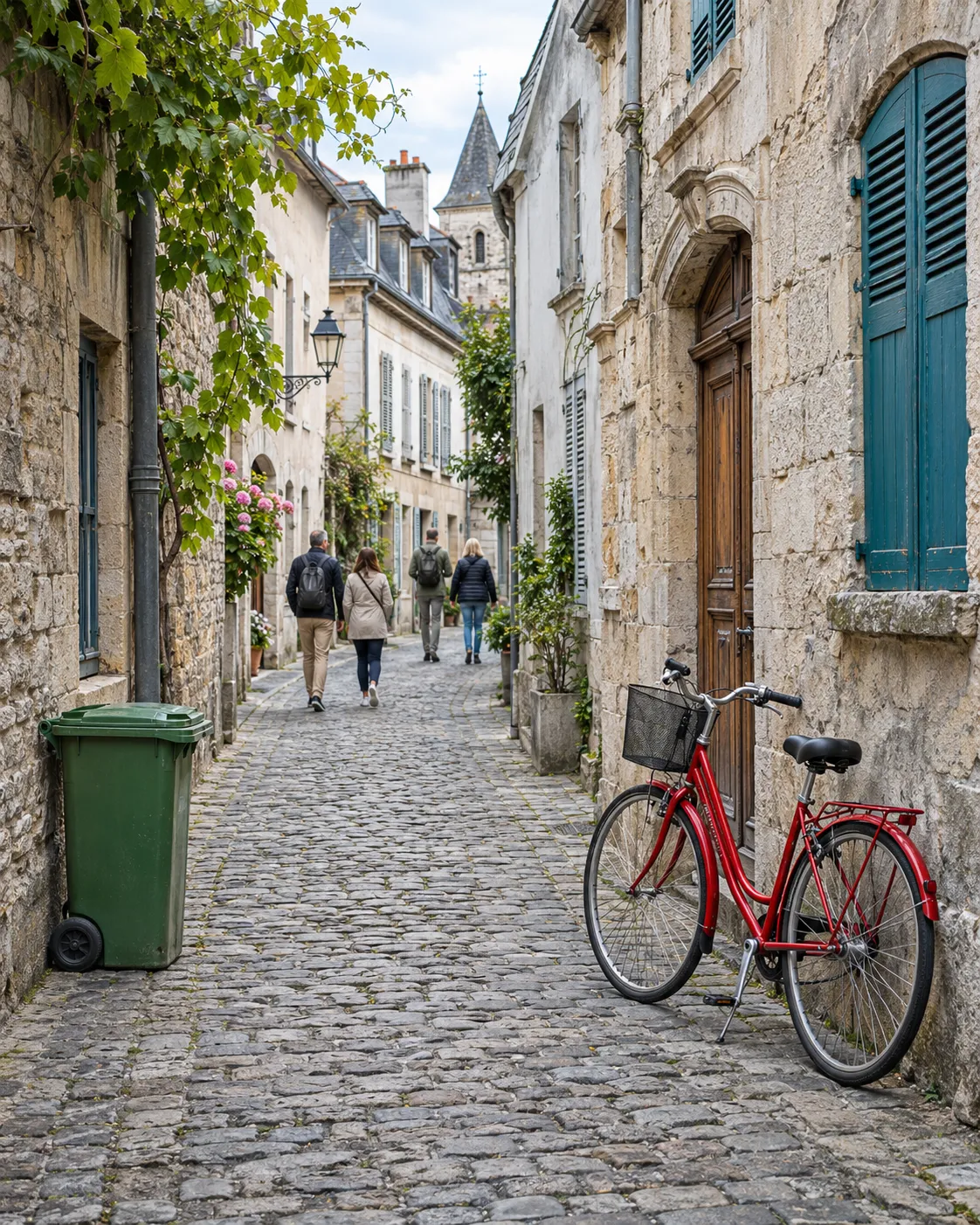
Remove the tourists in the background and the trash bin on the left. Fill in the street naturally.
Unwanted people and objects disappear and the gap is filled to match.


Restyle the photo
Turn this photo into a watercolour illustration with soft edges and paper texture.
The composition stays; the look becomes an illustration style you name.
Fix a product shot
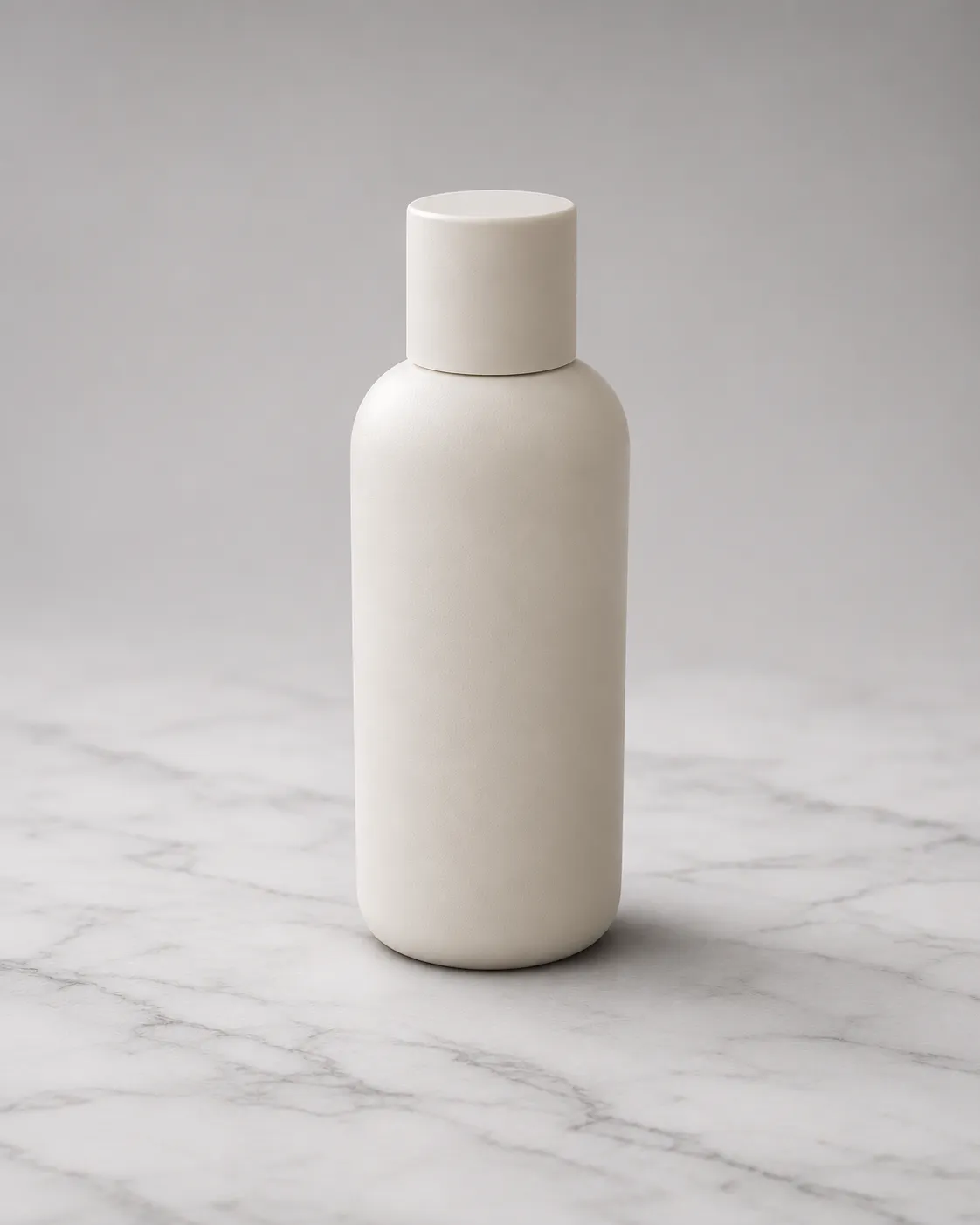
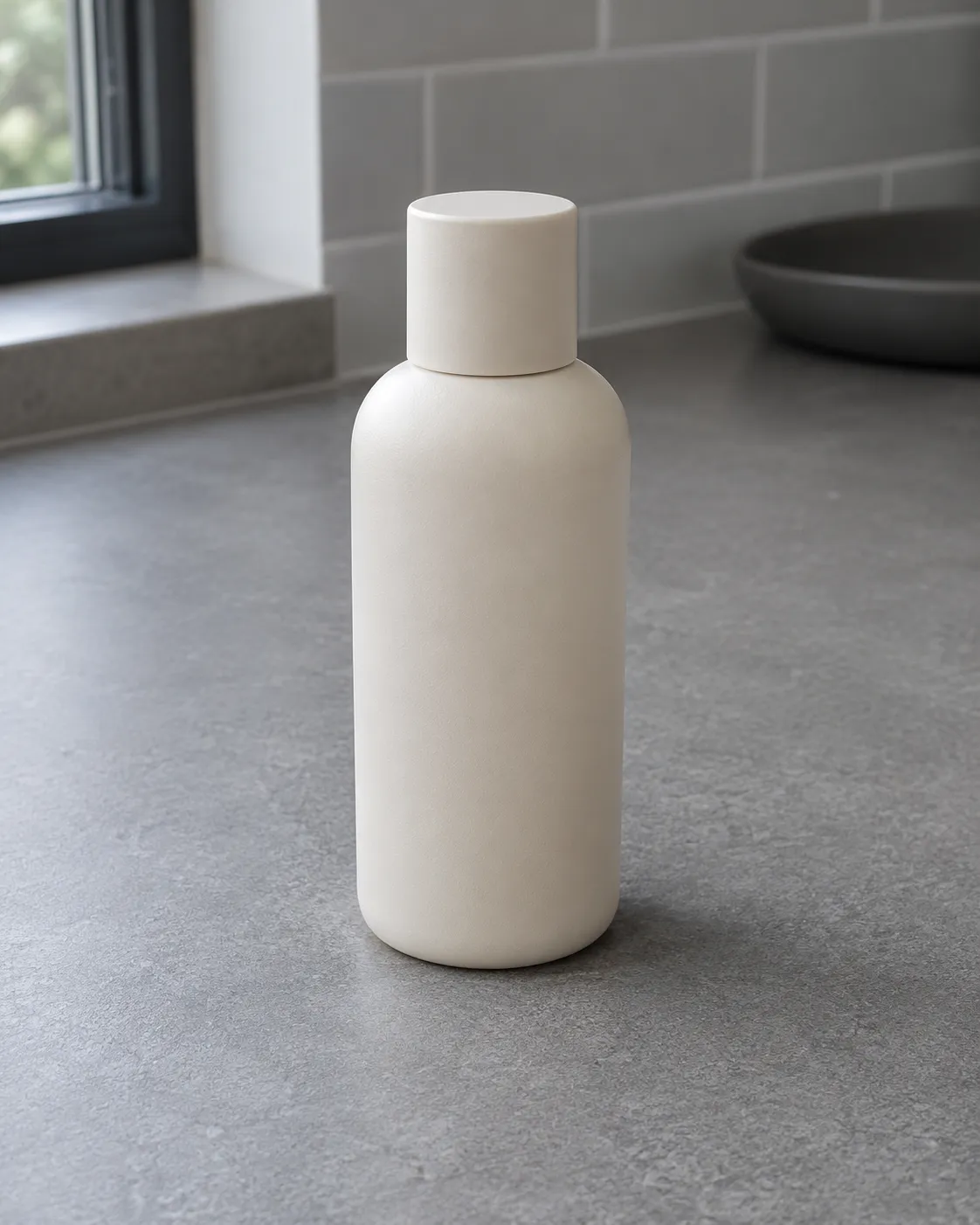
Place the bottle on white marble with a soft shadow, studio lighting, and make the label text sharp.
A clean catalogue shot from a quick phone photo. Check the label against the real product.


Start from a task
Seven one-click editors. Each opens with Nano Banana Pro ready and an instruction you can change.

What Nano Banana Pro can do
From Google’s own documentation for Nano Banana Pro (Gemini 3 Pro Image).

Up to 14 images per edit
Combine up to 6 object images, 5 people and 3 style references in one instruction.

Legible text in many languages
Adds or rewrites text on signs, posters and labels clearly, in several languages.
Consistent people
Keeps the look of up to five people consistent across edits and scenes.
Studio controls
Change camera angle, focus, colour grading and scene lighting with a sentence.
Localized edits
Change one part of the picture and leave the rest exactly as it was.
1K, 2K and 4K
Pick the output size per edit; 4K is ready for print and large screens.
How the Nano Banana Pro image editor works
- 1
Upload your photo
Add the image you want to change. You can add more images as references, up to 14, for example a product or a style to copy.
- 2
Describe the edit
Write what should change and what must stay the same. Short, specific instructions work best: one change per sentence.
- 3
Download or refine
The edited image is ready in about 30 seconds. Download it, or use it as the next input and keep editing step by step.
What you can edit with Nano Banana Pro

Background replacement
Swap a cluttered room for a studio, a beach or a plain colour while the person or product stays untouched.
Object removal
Take out passers-by, wires, logos or stains and let the model fill the space so it looks like nothing was there.
Retouching
Fix lighting, colour and exposure, tidy hair or clothing, sharpen details. Ask for subtle changes to keep it natural.
Style changes
Turn a photo into watercolour, anime, clay, film or vintage print, keeping the composition you shot.
Text in images
Change the words on a sign, poster or label, or add a headline. Nano Banana Pro renders lettering clearly in many languages.
Product photos
Turn quick phone shots into catalogue images: new surfaces, light and scenes, with the product itself kept as it is.
Turn your edited photo into a video
Nano Banana Space is a full image and video studio. Edit the still, then animate it without leaving the page.
Animate an edited photo
Edit the photo
Get the frame right with Nano Banana Pro: background, light, outfit, text.
Switch to Video
Flip the composer to Video and use the edited image as the first frame.
Pick a video model
Hailuo, Kling, Seedance, Veo, Wan and more, each with its exact credit cost shown first.
Ideas for your next edit
Example scenes for product, portrait, interior and food photos. Pick one and describe your own change.


Nano Banana Pro, plus every major image and video model
Nano Banana Pro is preselected for editing. Seedream, GPT Image and Flux are one click away for images, and Hailuo, Kling, Seedance and Veo for video. Availability can change when providers update their models; the picker always shows the current list.
Plans and credit packs
Subscribe for monthly credits or buy a one-time pack. Credit costs depend on the model and output resolution.
Starter
- Visa
- Mastercard
- Apple Pay
- Google Pay
1,700 credits / month
Pro
- Visa
- Mastercard
- Apple Pay
- Google Pay
3,800 credits / month
Studio
- Visa
- Mastercard
- Apple Pay
- Google Pay
10,500 credits / month
Nano Banana image editor FAQ

Edit your first photo with the Nano Banana image editor
Upload an image, describe the change and see the credit cost before you start.
Open the image editor